
Use the Move workflow action to move a file to a new location. Move is different than the Copy action in that the file will no longer exist at the old location.
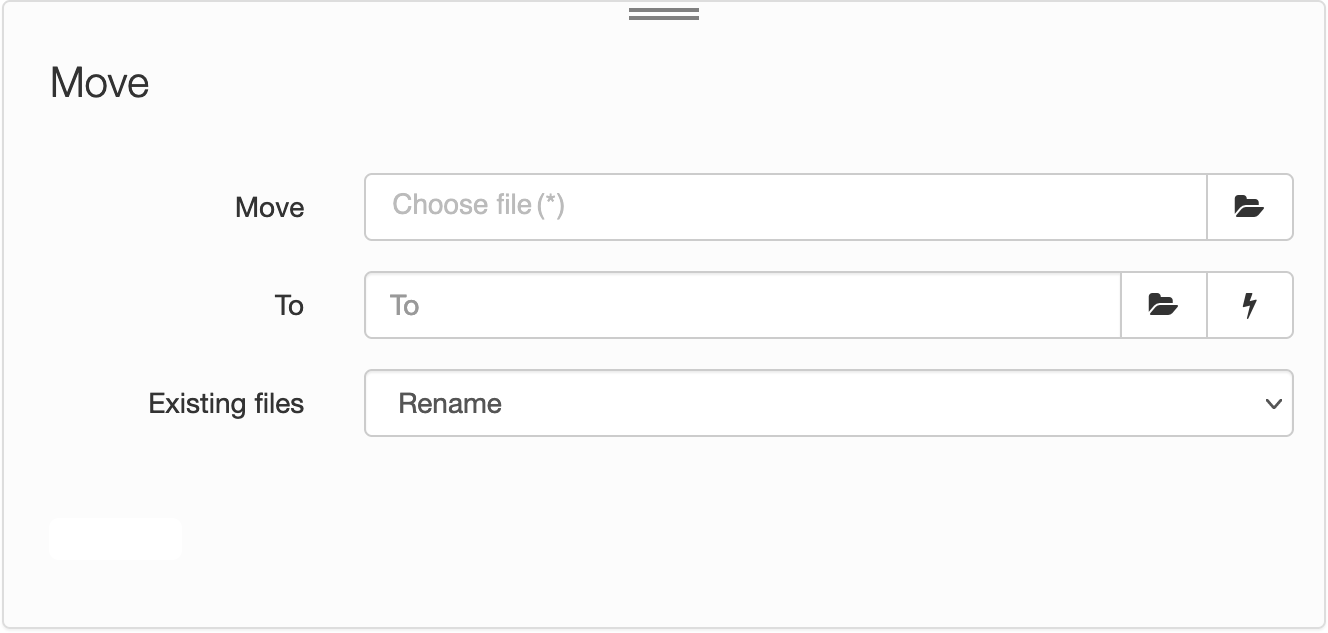
| Field | Description |
|---|---|
| Move | The path to the source file. Click the Choose File icon  to choose a file. Alternatively, enter the file path – for example, to choose a file. Alternatively, enter the file path – for example, path/to/original.file. |
| To |
The path of the destination folder. Enter the path – for example, path/to/destination/folder. Alternatively, click the Choose Folder icon to choose the destination. |
| Existing files |
Decide how to handle existing files in the destination folder. Options include:
|
Click the Lightning bolt icon to add a workflow variable, or placeholder, in the To field.
Comments
0 comments
Please sign in to leave a comment.